INDEPENDENT PHOTOCRAFT GUIDE
PhotoCraft
A new editor.
A clear starting point.
ArtCraft's free, open-source image editor. Find your build and understand its early-alpha limits.
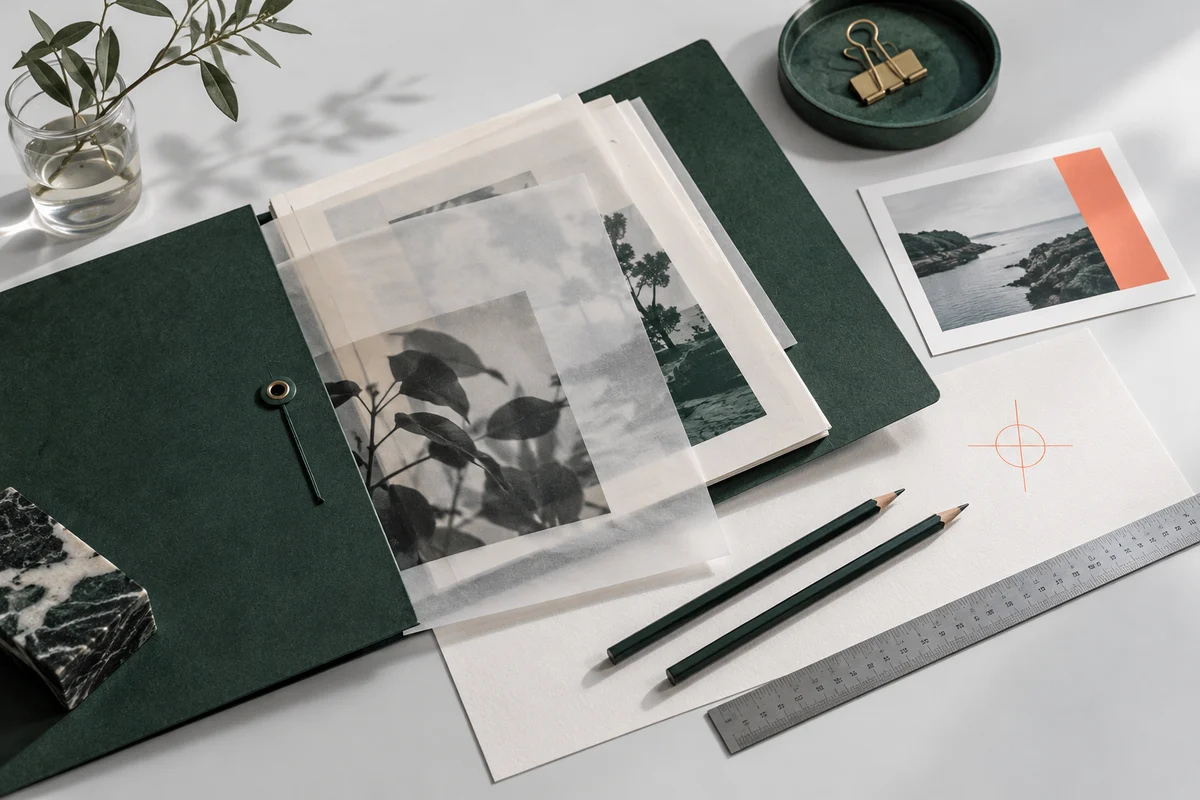
THE EDITOR
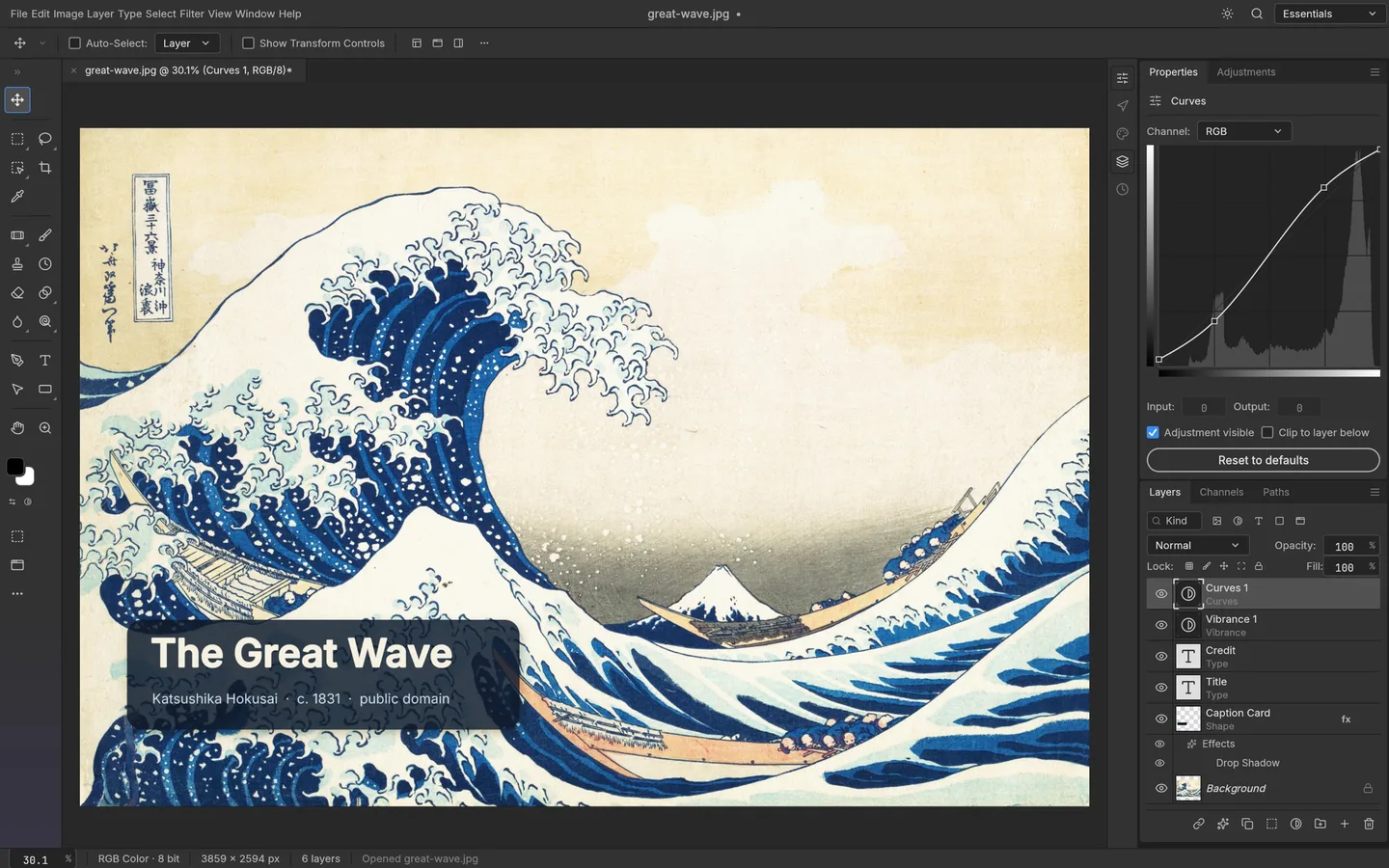
The complete PhotoCraft workspace.
Layers, masks and adjustments in a familiar image-editing layout. This screenshot comes from the official project.
FreeMIT / Apache-2.0
Early alphaOfficial project status
v0.8.2Release checked 13 October 2026
START HERE
Choose your next step.
THE ESSENTIALS
Before your first edit.
Is PhotoCraft free?Yes. The image editor is open source. ArtCraft's AI studio is a separate product.
Can it replace Photoshop?Its maintainers say it is not yet ready to replace daily professional work. Test your files and keep a fallback.
Where do files come from?Our download links point to the official PhotoCraft GitHub release.
Based on the official project README, checked 13 October 2026. No independent benchmark is claimed.