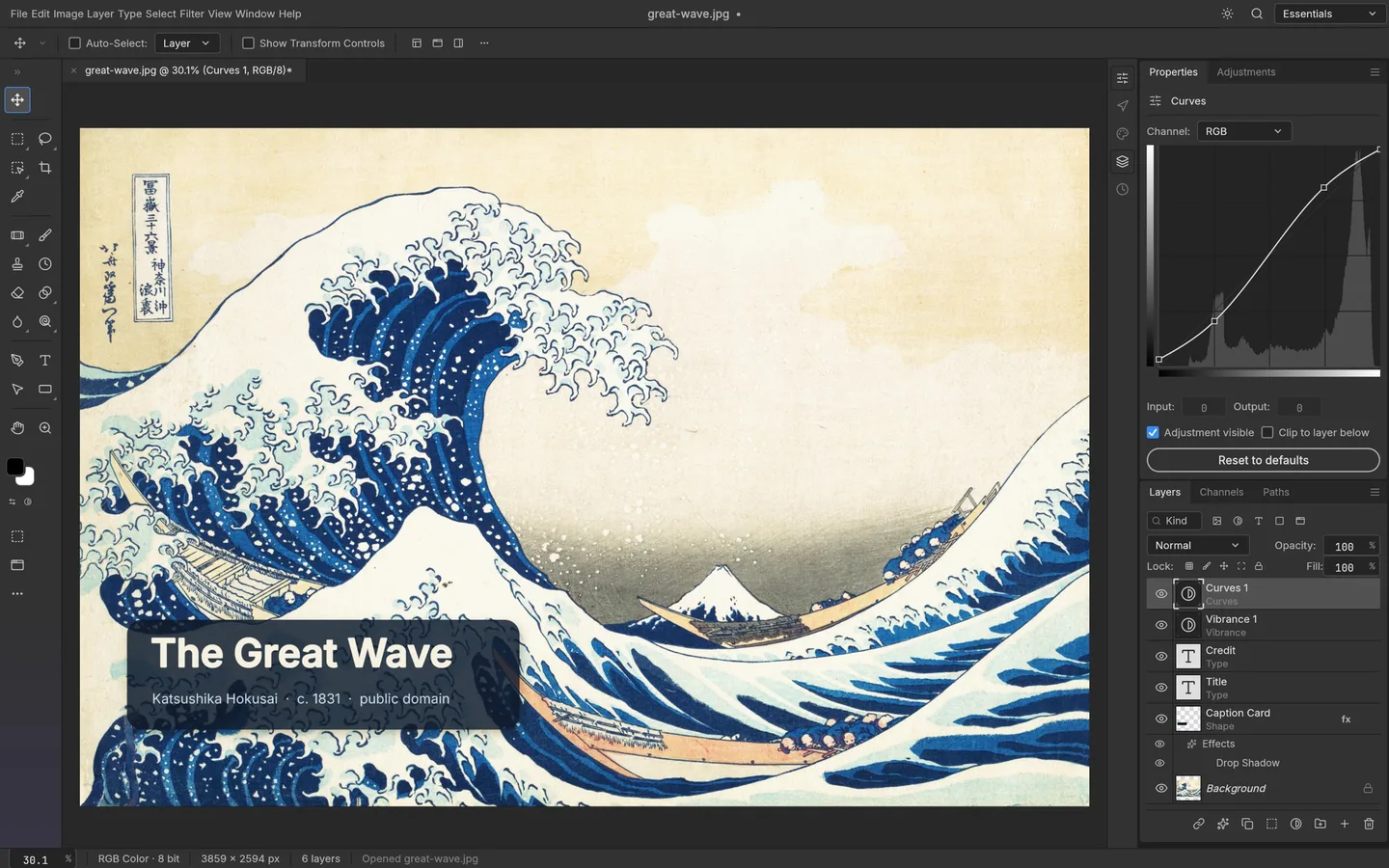
DOCUMENTED FEATURES
What PhotoCraft supports.
CURRENT LIMITS
Try it on copies. Keep your main workflow.
The README says PhotoCraft is not yet a Photoshop replacement for daily professional work. That matters most if a file must return to another person's Photoshop workflow unchanged.
BY TASK
Where to start, where to pause.
Reasonable to explore
Learning the interface, experimenting with layers and adjustments, and testing non-critical PSD files on your own machine.
Keep a fallback
Client delivery requiring Photoshop-identical output, existing Adobe plug-ins or scripts, demanding typography, and generative AI workflows.
QUICK ANSWERS
Before you install.
Is PhotoCraft free?
Yes. The desktop editor is open source under MIT or Apache-2.0, according to its repository. The separate ArtCraft AI studio has its own product and pricing.
Does it open PSD files?
The project says it opens and saves layered PSD and PSB files. That does not guarantee fidelity for every font, filter, smart object or Photoshop version. Work on a copy and inspect the result.
Is it the same thing as ArtCraft AI?
No. PhotoCraft is a separately named Crafting App for image editing. ArtCraft also operates an AI image and video studio.
SOURCE RECORD
What this page is based on.
- Official PhotoCraft product page: platforms, features and download routes.
- PhotoCraft GitHub README: license, alpha status, support and limits.
- Latest GitHub release: release assets and updates.
Sources checked 13 October 2026. Learn PhotoCraft is an independent guide based on official documentation; this page does not claim an independent hands-on test.